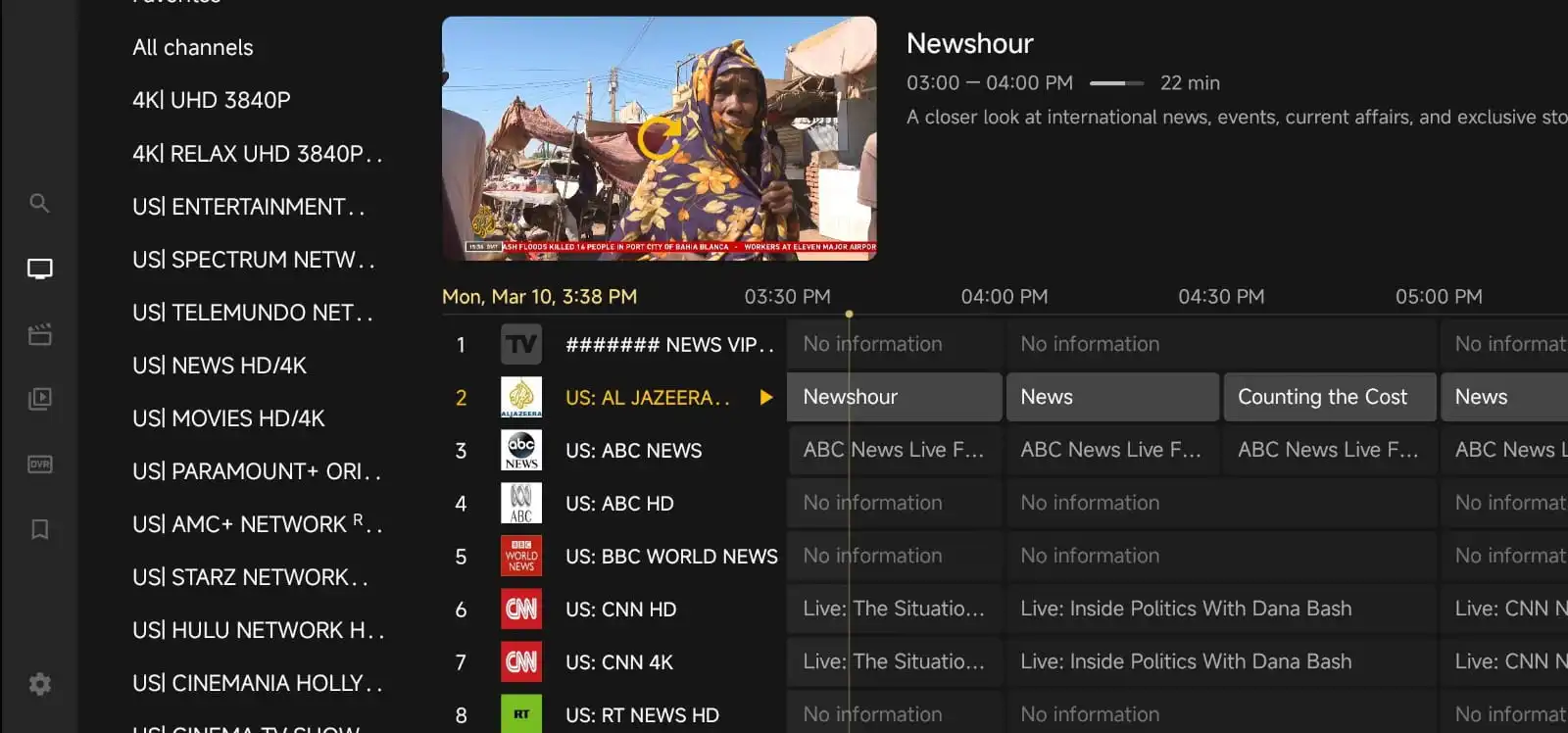
Choosing between a 1 device IPTV plan and a multiple device plan sounds simple at first, but the right choice depends on how you actually watch TV at home. If you stream on one screen most of the time, a single-device plan may be enough. If your household watches in different rooms, or if you want flexibility across several screens, a multi-device option can make life easier.
This guide breaks down the decision in plain language so you can avoid paying for more than you need or running into limits later. Whether you are comparing options on IPTV for Lifetime or just trying to understand what fits your setup, the best plan is the one that matches your viewing habits, devices, and budget.
Start with how you really watch TV
The best way to choose is to think about your daily routine, not just the number of devices you own. Many people have several screens in the house, but only use one at a time. Others need streaming in different rooms at the same time, especially in busy households.
Ask yourself a few simple questions:
- Do you usually watch on one TV, or do you switch between TV, phone, and tablet?
- Will more than one person want to stream at the same time?
- Do you travel often and want to use IPTV on a second device away from home?
- Are you buying for yourself, or for a family with different viewing habits?
If your answer is mostly one screen at a time, a 1 device plan is usually the most practical starting point. If you know you will need simultaneous viewing, a multi-device plan can save you from upgrading later.
What a 1 device IPTV plan is best for
A 1 device IPTV plan is designed for one active stream at a time. That makes it a good fit for people who watch TV in a single room or who rarely stream on more than one screen at once. It is also a simpler choice if you want to keep setup and account management straightforward.
This type of plan often works well for:
- Single users or couples who watch together on one TV
- Small apartments or dorm rooms
- People who mainly use one main device, such as a smart TV or streaming box
- Buyers who want the lowest-cost way to start
It can also be a smart option if you are new to IPTV and want to test your experience before committing to a larger setup. If you want to compare plan options directly, you can check the current pricing page for details.
When a multiple device IPTV plan makes more sense
A multiple device IPTV plan is useful when more than one person wants to watch at the same time, or when you want streaming access across several devices without constantly logging in and out. This is especially helpful in families, shared homes, and households with different viewing habits.
For example, one person may want to watch live TV in the living room while another uses a tablet in the bedroom. Or you may want to keep one stream available on a smart TV and another on a phone or laptop for travel. In those cases, a multi-device plan gives you more flexibility and fewer interruptions.
It is worth considering a multiple device plan if:
- More than one person watches at the same time
- You want to avoid stream conflicts in a shared home
- You use IPTV on several screens throughout the day
- You prefer convenience over the lowest possible price
Before choosing, it helps to review what devices you plan to use and how often they will be active together. That simple check can save a lot of frustration later.
Compare cost versus convenience
Price is usually the first thing people look at, but it should not be the only factor. A 1 device plan is typically the more budget-friendly choice, especially if you only need one active stream. However, a cheaper plan can become less practical if your household regularly needs two or more streams at once.
Think about value, not just cost. A multiple device plan may cost more upfront, but it can be the better value if it prevents arguments over who gets to watch, or if it removes the need to buy separate subscriptions later. On the other hand, if you only use one screen, paying for extra connections may not be worth it.
A good rule is to match the plan to your real usage, then review the price difference against the convenience it gives you. If the gap is small, multi-device may be worth it. If the gap is large and you only stream on one screen, a single-device plan may be the better fit.
Think about your devices and setup
The type of device matters too. Some people use a smart TV in the main room, while others prefer a Fire TV Stick, Android box, phone, or tablet. The more devices you plan to use, the more important it becomes to understand how your IPTV plan handles simultaneous streams.
It also helps to consider how easy your setup is. A single-device plan is usually easier to manage because there is only one active stream to keep track of. A multi-device plan may require more attention during setup, especially if several family members will use different apps or devices.
If you are still comparing setup options and compatibility, it can help to browse the blog for practical IPTV tips and troubleshooting ideas. You can also review the channels list to see whether the content you want is a good match for your household.
Household size is important, but not the whole story
People often assume that a bigger household always needs a multiple device plan. That is not always true. A couple may be perfectly happy with one device if they usually watch together. A family of four may only need one stream at a time if everyone watches on the main TV in the evening.
Instead of counting people, focus on overlapping viewing time. If two or more people regularly want to watch different things at the same time, a multi-device plan is probably the better choice. If everyone watches together or takes turns, a 1 device plan may still be enough.
This is also where honest budgeting matters. If you are trying to keep monthly or long-term costs manageable, start with the smallest plan that matches your current routine. You can always upgrade later if your needs change.
How to avoid common mistakes when choosing a plan
One of the most common mistakes is buying a plan based on future possibilities instead of current use. It is easy to imagine that you might need three streams someday, but if that day never comes, you may end up paying for unused capacity.
Another mistake is forgetting to check how many devices will be active at the same time. Some buyers assume that a plan supports every device they own, when in reality the key limit is usually the number of simultaneous streams. That difference matters a lot.
Here are a few practical tips:
- Count active streams, not just devices in the house
- Match the plan to your real viewing habits
- Read the plan details carefully before checkout
- Ask support if you are unsure how device access works
If you need help before ordering, the Contact Us page is a good place to ask questions about setup or plan selection.
When a lifetime plan changes the decision
Some buyers look at longer-term options when they know they will keep using IPTV for a while. In that case, the choice between single-device and multiple-device access becomes even more important, because you want the plan structure to fit your routine from the start.
If you are considering a longer-term option, think carefully about whether your home setup is stable or likely to change. A person living alone may not need multiple streams today, but a growing family or a shared home can change that quickly. If you want to review a longer-term option, you can visit the Lifetime IPTV plan page for more information.
The key is not to choose the biggest plan by default. Choose the plan that gives you enough flexibility without creating unnecessary cost or complexity.
Simple scenarios to help you decide
Here are a few real-world examples that can make the choice easier:
- Single user: You watch IPTV on one smart TV each evening. A 1 device plan is likely enough.
- Couple: You usually watch together in the living room. A 1 device plan may still work well.
- Family with kids: One person watches sports while another wants cartoons in a different room. A multiple device plan is usually better.
- Frequent traveler: You want to use IPTV on a home TV and a mobile device while away. Multi-device access may be more convenient.
- Shared house: Different roommates watch at different times, sometimes at the same time. Multi-device flexibility is often worth it.
These examples are not rules, but they show how the right plan depends more on viewing patterns than on device count alone.
Questions to ask before you buy
Before finalizing your plan, it helps to ask a few direct questions. This can prevent confusion and make sure you know exactly what you are paying for.
- How many simultaneous streams are included?
- Can I use the plan on different device types?
- What happens if I try to stream on too many devices at once?
- Can I upgrade later if my needs change?
- Is setup support available if I run into issues?
Clear answers to these questions make it much easier to choose with confidence. If you are still comparing options, reviewing the Why Choose Us page can also help you understand the service approach and support style.
Final thoughts
Choosing between a 1 device and multiple device IPTV plan is really about matching the plan to your real life. If you watch on one screen and want a simple, affordable setup, a single-device plan is often the best place to start. If your household needs more flexibility, or if multiple people stream at the same time, a multi-device plan may be the better investment.
The best choice is the one that fits your routine today, not the one that sounds biggest on paper. Take a moment to think about how often you stream, how many people share the account, and whether convenience matters more than saving a little money. That small bit of planning can make your IPTV experience smoother from the start.
FAQ
Can I use a 1 device IPTV plan on different devices?
Usually yes, but only one device should be active at a time. Check the plan details to understand how switching devices works.
Is a multiple device plan always better?
Not always. It is better only if you actually need more than one active stream at the same time.
What if I am not sure how many devices I need?
Start by counting how many people will watch at the same time. That is more important than the total number of devices you own.
Can I upgrade later?
In many cases, yes. It is a good idea to confirm upgrade options before you buy.
Where can I compare plan options?
You can review current options on the pricing page or contact support if you need help deciding.